 Ruggi.Site
A desktop suite for Cinnamon
32 applets, desklets and extensions plus Nemo actions for the Cinnamon desktop, on any distribution that runs Cinnamon. It stands on its own; if AI Cockpit happens to be on the machine, the items can take its look and a few extra items can watch it. The calendar and a few panel items also run on other desktops.
What it is
Panel applets, desktop cards and desktop-wide extensions written for Cinnamon itself (no Python, no daemons): clipboard history, timers, a GPU monitor, audio and monitor switching, a multi-calendar clock with holiday packs, sticky notes, a todo card, window tiling, a workspace grid, smart panel hiding, a shortcut cheat-sheet and more. Each item installs and works on its own; the unified installer puts them all in at once.
Works on Linux Mint, Debian, Ubuntu, Fedora, Arch, openSUSE and the rest; Cinnamon 6.6 is the tested version and the blur extension needs Cinnamon 6. Licence GPL-2.0-or-later.
Look and colours
Every item has a Brand setting: Automatic (the AI Cockpit look when an AI Cockpit install is found, neutral otherwise), AI Cockpit or Neutral, and a Colours come from choice: the Cinnamon theme, ten built-in suite themes, AI Cockpit's active theme, or your own colours. Density, panel mode, font size, corner radius and opacity are settable.
Suite themes come in light and dark; "the Cinnamon theme" follows your desktop theme.
Where the AI Cockpit look comes from
The default look in these screenshots is the one used by AI Cockpit, a free local workspace for the AIs you use (cloud and local models, projects, tools) that runs on your own computer. If you have it, the suite items follow its theme automatically, light or dark; if you do not, nothing changes: pick Neutral, or any of the ten suite themes, and everything works the same.
Screenshots


Desklets on the desktop
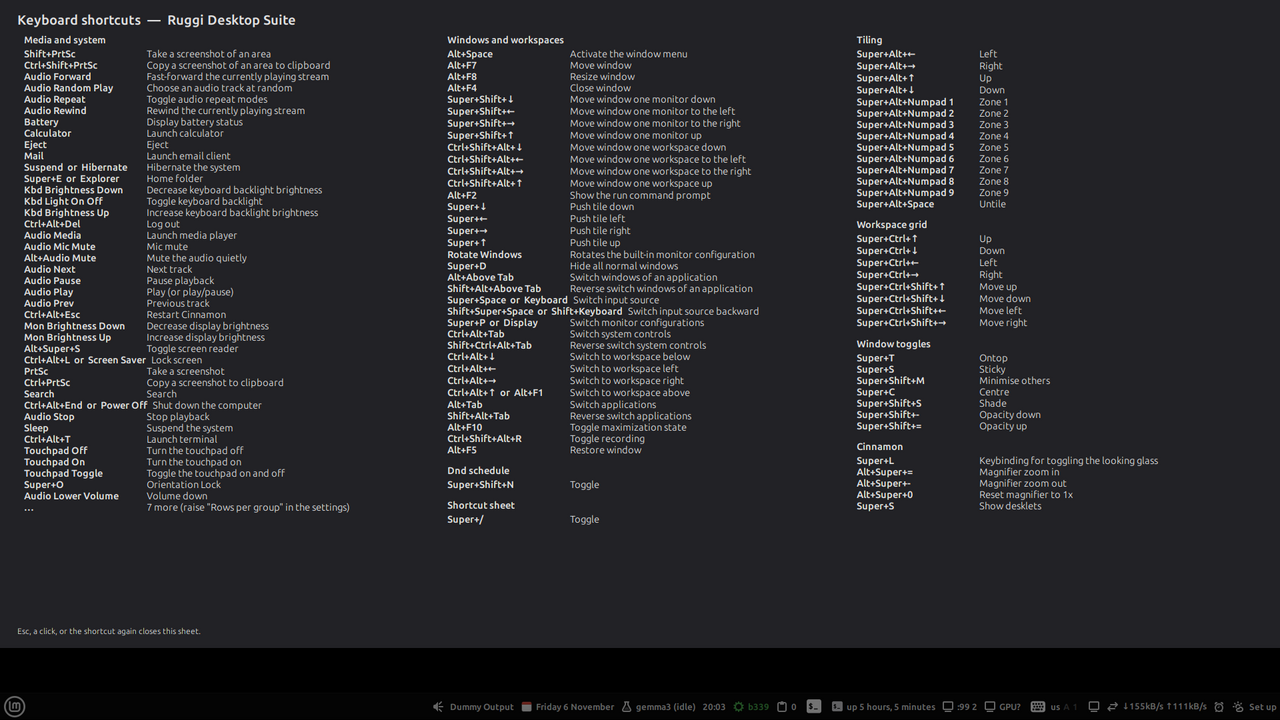
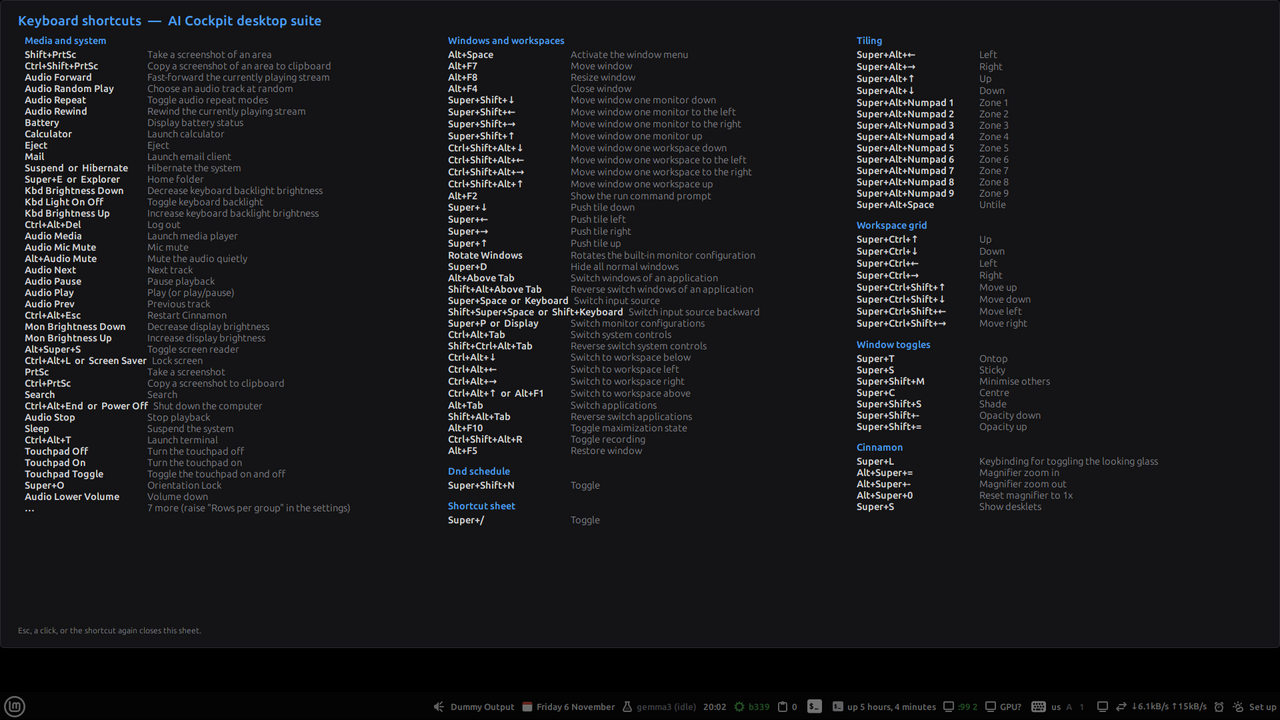
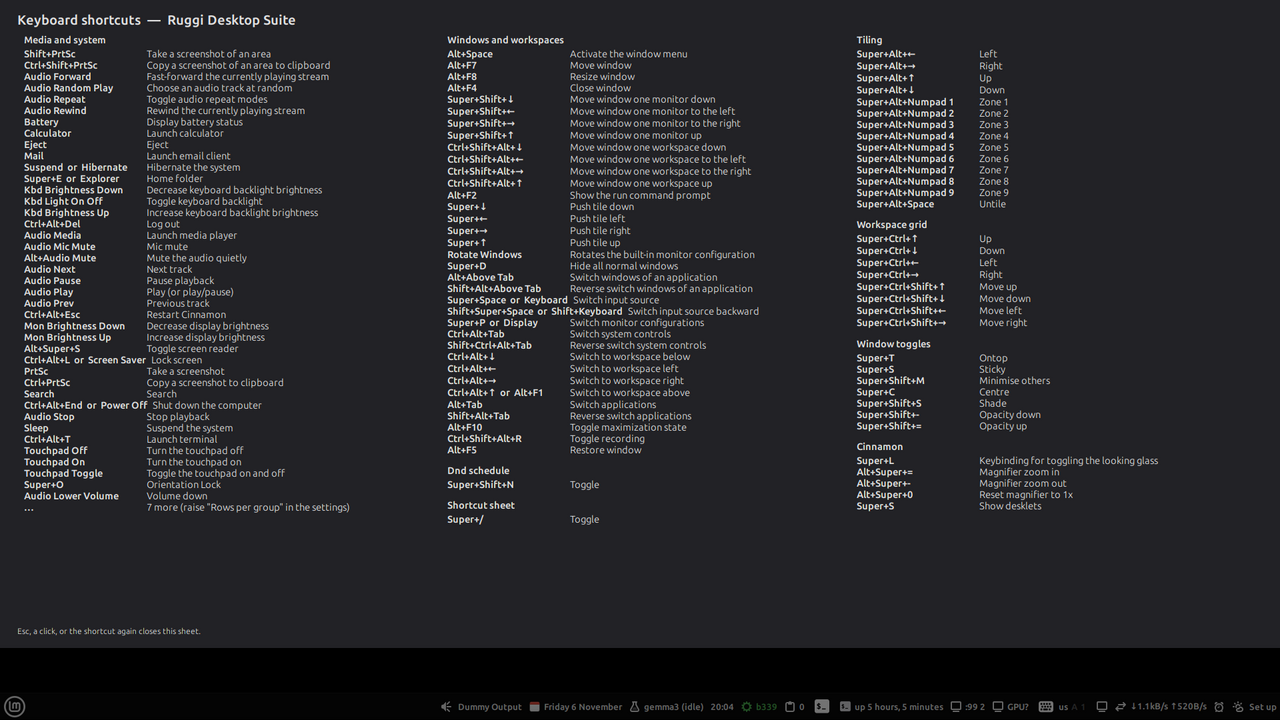
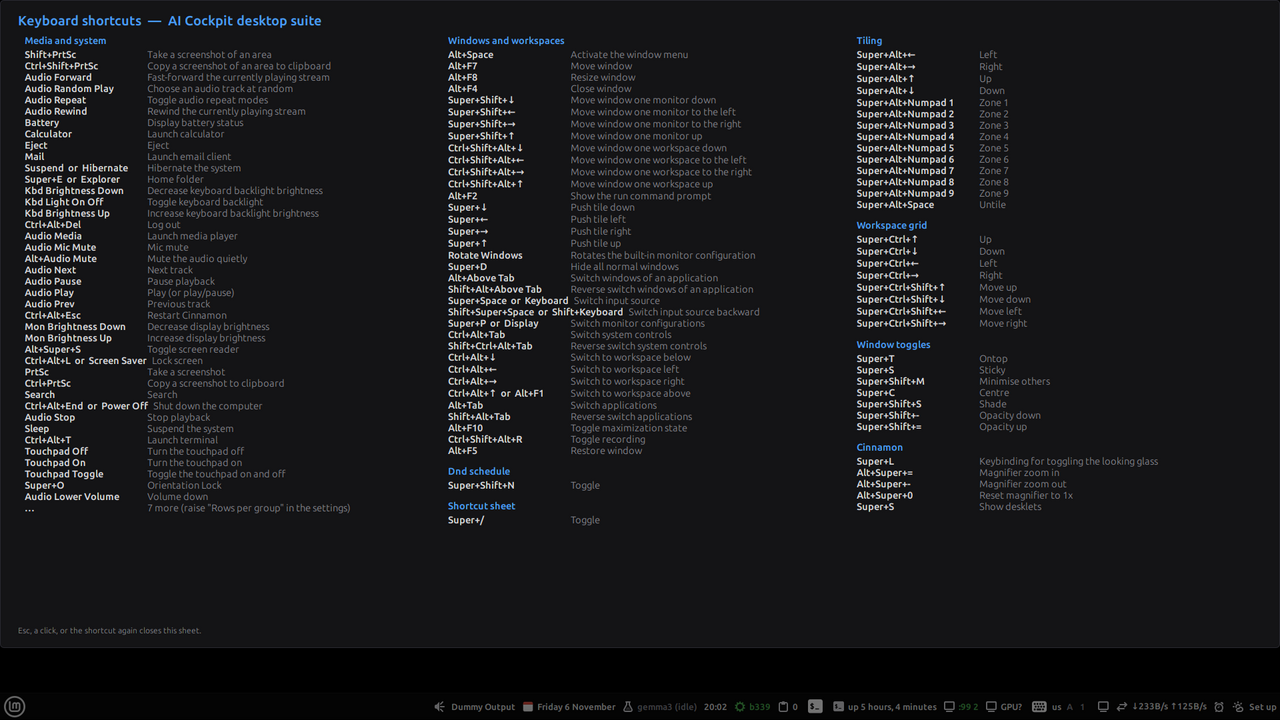
The shortcut cheat-sheet (extension)
Applets14
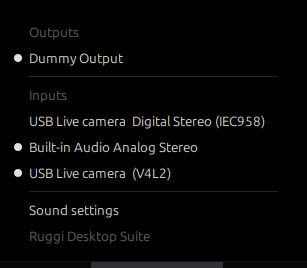
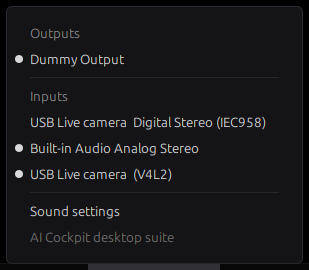
Audio sink switcher
Switch the default audio output and input with one click, move running streams, and set per-application volume.
Needs: wpctl or pactl · audio-switch@ruggi.site
Calendar and events
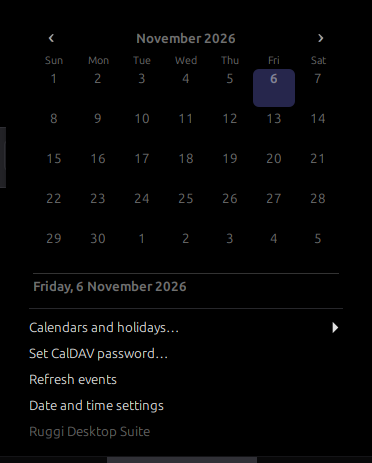
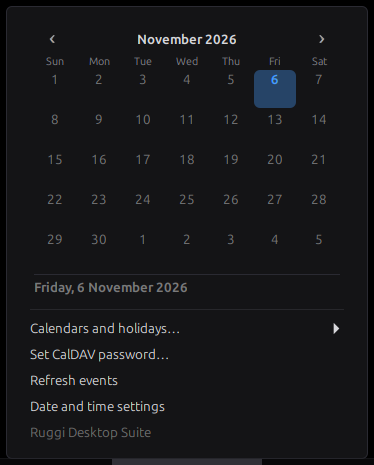
Up to three calendar systems at once, each in its own language; holiday packs and national days, all opt-in; events from ICS files and CalDAV; tasks from todo.txt.
Needs: nothing beyond Cinnamon · calendar-plus@ruggi.site
Local model pickerAI Cockpit
Which local model is loaded (Ollama), which one AI Cockpit will use, LocalAI's models and the llama.cpp lanes; load or unload Ollama models from the panel.
Needs: needs AI Cockpit · ck-models@ruggi.site
AI Cockpit statusAI Cockpit
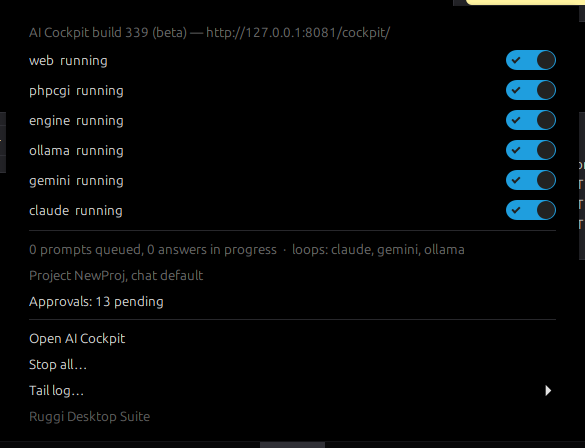
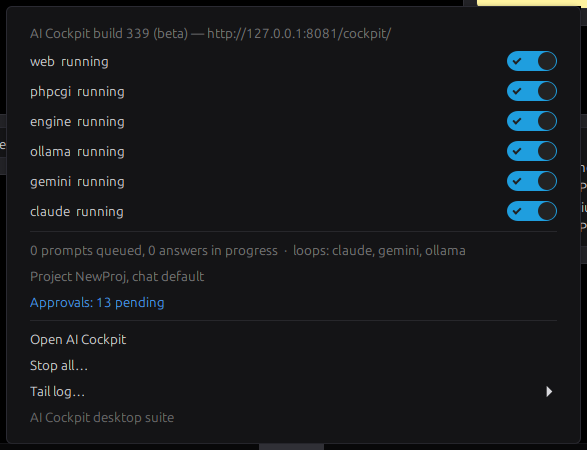
Is AI Cockpit running? Web server, supervisor, agent loops, queue, pending approvals, with start/stop switches and quick access to the logs.
Needs: needs AI Cockpit · ck-status@ruggi.site
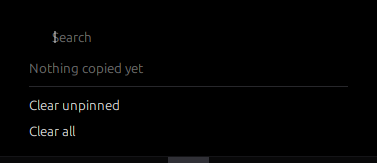
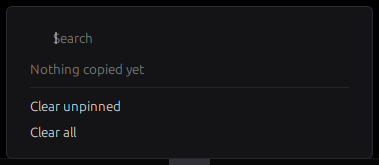
Clipboard history
Searchable clipboard history in the panel: pin entries, copy them back, delete one or all, clear on screen lock, exclude windows by title.
Needs: nothing beyond Cinnamon · clipboard@ruggi.site
Command buttons
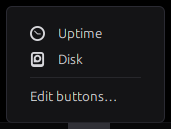
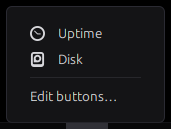
Your own buttons in the panel: each runs a shell command and shows whether it succeeded; the last output is in the tooltip.
Needs: nothing beyond Cinnamon · cmd-buttons@ruggi.site
Command output
Runs one command on a schedule and shows its first line in the panel, the whole output in the menu.
Needs: nothing beyond Cinnamon · cmd-output@ruggi.site
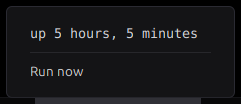
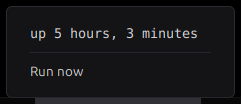
Ghost displayAI Cockpit
Shows whether an invisible X display (Xvfb, used by AI Cockpit's agents for GUI tests) is running and which windows live on it; power it on or off, take a screenshot or peek at it.
Needs: needs AI Cockpit · ghost-display@ruggi.site
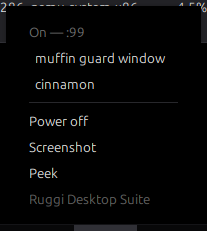
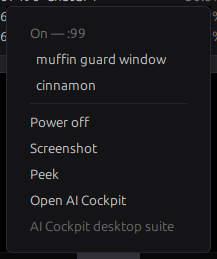
GPU monitor
VRAM, temperature and utilisation of the GPU in the panel; the processes holding VRAM in the menu, each with a Kill entry.
Needs: nvidia-smi or rocm-smi · gpu-monitor@ruggi.site
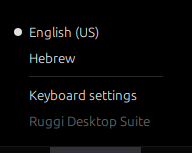
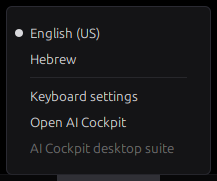
Keyboard layout and lock keys
Current keyboard layout plus Caps Lock, Num Lock and Scroll Lock state in the panel. Click to switch layout.
Needs: nothing beyond Cinnamon · kbd-state@ruggi.site
Monitor layout switcher
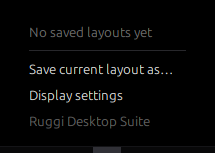
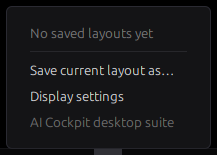
Save the current monitor arrangement under a name and apply it again with one click; optional automatic layout on hotplug.
Needs: X11, xrandr · monitor-layout@ruggi.site
Network speed and VPN
Download and upload rate of the active interface in the panel; VPN and WireGuard connections listed in the menu, each one a toggle.
Needs: nothing beyond Cinnamon · net-vpn@ruggi.site
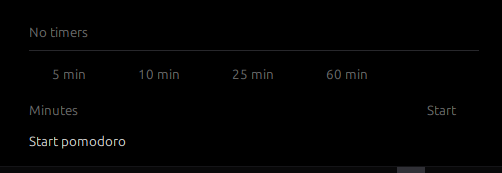
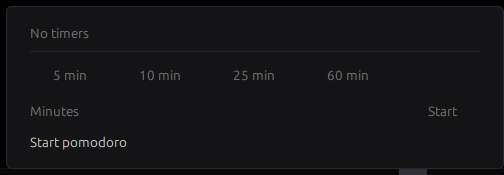
Timers and pomodoro
Several named countdown timers and a pomodoro cycle; the soonest countdown is shown, a notification (and an optional sound) fires at zero.
Needs: nothing beyond Cinnamon · timers@ruggi.site
Weather
Current temperature and conditions in the panel, a five-day outlook in the menu. Data from Open-Meteo (no key, no account). Nothing is fetched until you set a location.
Needs: network, after setup · weather@ruggi.site
Desklets10
AI Cockpit dashboardAI Cockpit
A desktop card for a local AI Cockpit install: build and server state, agent services, queue, current project and chat, pending approvals, tokens today, loaded models.
Needs: needs AI Cockpit · ck-dashboard@ruggi.site
Calendar month
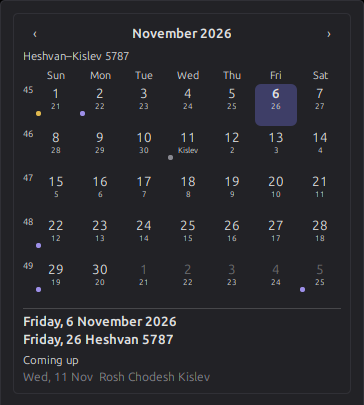
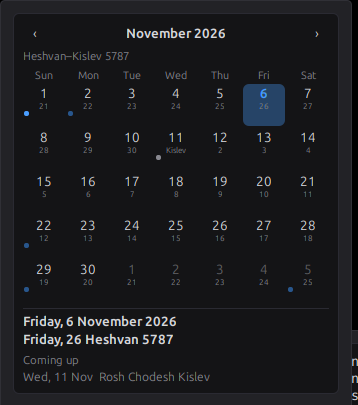
A month calendar on your desktop with up to three calendar systems at once, each in its own language; holiday packs and national days, all opt-in; events from ICS files and CalDAV.
Needs: nothing beyond Cinnamon · calendar-month@ruggi.site
Clock plus
Digital, analog or world clock with up to three calendar systems under it, each in its own language, plus today's holidays from the packs you enable.
Needs: nothing beyond Cinnamon · clock-plus@ruggi.site
Command output card
A card on the desktop that runs one command on a schedule and shows its output (uptime, df, a log tail, …).
Needs: nothing beyond Cinnamon · cmd-card@ruggi.site
Countdown and events
Days until your dates: birthdays, deadlines, anniversaries given in any calendar system, yearly or one-off, plus the next major holidays of the packs you enable.
Needs: nothing beyond Cinnamon · countdown@ruggi.site
Now playing
Title, artist, album and cover art of the playing media with play, pause, previous and next.
Needs: an MPRIS2 player · now-playing@ruggi.site
Sticky notes
A sticky note on the desktop: type, it saves itself. One note per desklet, any colour, light markdown (headings and bullets) in read mode.
Needs: nothing beyond Cinnamon · sticky-notes@ruggi.site
System glance
One card on the desktop: CPU, memory, GPU, disks and network rate, each with a bar.
Needs: nothing beyond Cinnamon · sys-glance@ruggi.site
Todo list
Your todo.txt on the desktop: tick tasks, add new ones, priorities and +project @context tags. Outside edits to the file show up at once.
Needs: nothing beyond Cinnamon · todo@ruggi.site
Top processes
The processes using the most CPU or memory, on the desktop; click one to end it.
Needs: nothing beyond Cinnamon · top-procs@ruggi.site
Extensions8
Panel and menu blur
Blurred wallpaper behind every panel and, optionally, behind panel menus, with an adjustable panel tint and opacity.
Needs: Cinnamon 6 · blur@ruggi.site
Do-not-disturb scheduler
Turns notifications off on a weekly schedule, while a full-screen window has the focus, or by a hotkey; app rules always or never mute chosen senders. Restores the setting it found.
Needs: nothing beyond Cinnamon · dnd-schedule@ruggi.site
Hot corners+
Hot corners on every monitor with more actions than Cinnamon offers: expo, scale, show desktop, lock, run dialog, workspace moves, panel toggles, mute, or any command.
Needs: nothing beyond Cinnamon · hot-corners-plus@ruggi.site
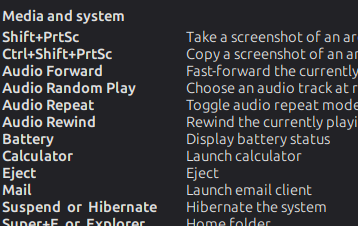
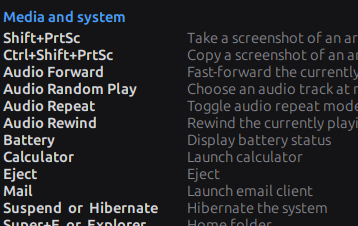
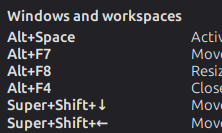
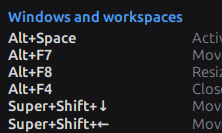
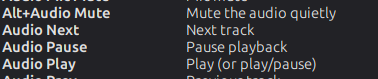
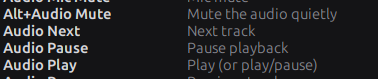
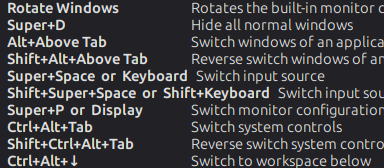
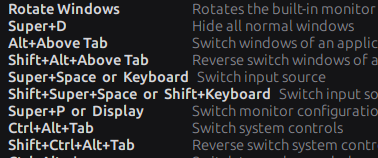
Shortcut cheat-sheet
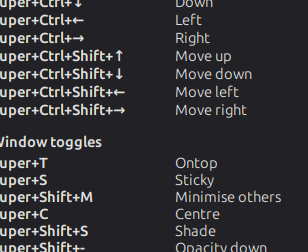
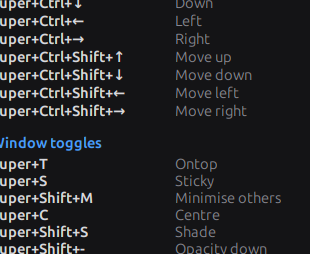
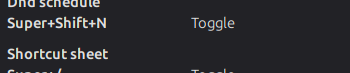
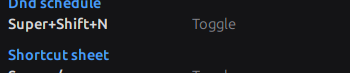
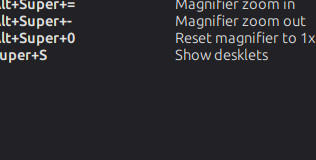
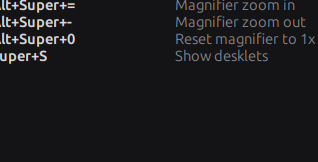
A full-screen overlay listing the keyboard shortcuts that are active right now: Cinnamon's keys, custom shortcuts, the suite's own hotkeys and your own notes. Toggle with Super+/.
Needs: nothing beyond Cinnamon · shortcut-sheet@ruggi.site
Smart panel auto-hide
Hides a panel only when a window on that monitor and workspace actually covers it (any window, not just the focused one), with delays, hover-to-reveal and a per-panel list.
Needs: nothing beyond Cinnamon · smart-autohide@ruggi.site
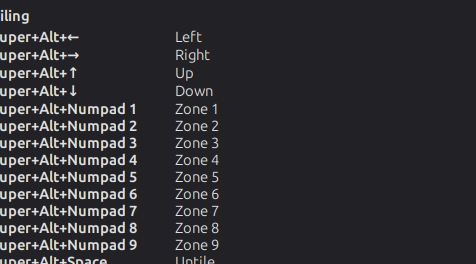
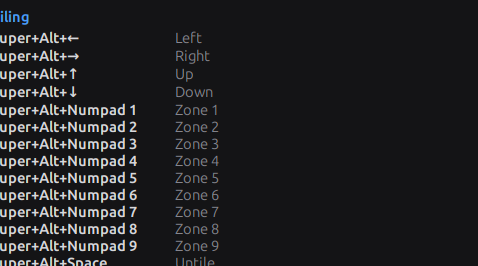
Window tiling
Keyboard tiling into halves, quarters and a configurable grid of zones per monitor, width cycling 1/2 - 1/3 - 2/3, un-tile that restores the previous size, optional snap-on-drag.
Needs: nothing beyond Cinnamon · tiling@ruggi.site
Window toggles
Keyboard shortcuts for always-on-top, sticky, minimise others, centre, and shade of the focused window, with an on-screen confirmation.
Needs: nothing beyond Cinnamon · window-toggles@ruggi.site
Workspace grid and names
Arranges the workspaces as a rows x columns grid (up to 6 x 6), with keys to move around it and carry a window along, workspace names, wrap-around and a small grid pop-up.
Needs: nothing beyond Cinnamon · workspace-grid@ruggi.site
Nemo actions9
Right-click entries for Nemo, Cinnamon's file manager. The two AI Cockpit ones are installed only when AI Cockpit is found (or with --with-cockpit). The same actions can be turned into Thunar, Dolphin and Nautilus entries, see other desktops.
| Action | What it does | Needs |
|---|---|---|
| Send to AI Cockpit (as a proposal) | Add this text file to AI Cockpit's Library as a pending proposal | AI Cockpit |
| Summarise with AI Cockpit | Summarise this file with the local AI Cockpit (local models, nothing leaves the machine) | AI Cockpit |
| Compress here (tar.gz / zip) | Make an archive next to the selection | nothing beyond Nemo |
| Convert image (png / jpg / webp) | Convert with ImageMagick | nothing beyond Nemo |
| Convert media (mp3 / mp4) | Convert with ffmpeg | nothing beyond Nemo |
| Copy path | Copy the full path to the clipboard | nothing beyond Nemo |
| Hash file (MD5, SHA-256) | Show the checksums and copy the SHA-256 | nothing beyond Nemo |
| Open terminal here | Open a terminal in this folder | nothing beyond Nemo |
| Set as wallpaper | Use this image as the desktop background | nothing beyond Nemo |
Three ways to install
1. The unified installer (all the items at once)
No root: it writes only into ~/.local/share/cinnamon/{applets,desklets,extensions} and ~/.local/share/nemo/actions, and installs no packages.
tar -xzf cinnamon-suite-0.1.1.tar.gz && cd cinnamon-suite-0.1.1 && bash install.sh
Flags: --all every item · --items a,b only those (short ids) · --with-cockpit / --without-cockpit force the AI Cockpit items in or out · --uninstall · --dry-run · --reload restarts Cinnamon when done.
2. One item at a time (self-extracting installers)
Each item has its own installer, downloads/<short id>@ruggi.site-install.sh:
bash clipboard@ruggi.site-install.sh
bash tiling@ruggi.site-install.sh
Then add the applet or desklet from Cinnamon's Applets / Desklets settings, or enable the extension under Extensions.
3. Cinnamon's own Download tab coming
The neutral items are being prepared for the Linux Mint spices repositories; once accepted they appear in the Download tab like any other spice. Not submitted yet.
Distributions
| Distribution | Cinnamon | Status |
|---|---|---|
| Linux Mint 22 | 6.x | ✓ tested |
| Debian 13 | 6.x | expected, VM run pending |
| Ubuntu 24.04 | 6.x | expected, VM run pending |
| Fedora (Cinnamon spin) | 6.x | expected, VM run pending |
| Arch | 6.x | expected, VM run pending |
| Anything else with Cinnamon 5.4 or later | 5.4 – 6.6 | expected; the blur extension needs 6.x |
Calendars, holidays and national days
Twelve calendar systems, three at once
The calendar applet, the month desklet, the clock desklet and the countdown desklet share one calendar library: Gregorian, Julian, Hebrew, three Islamic variants (civil, Umm al-Qura, tabular), Persian, Chinese, Ethiopic, Coptic, Indian and Buddhist. Show up to three side by side, make any one the main calendar, and give each its own language. Dates for countdowns can be given in any of the systems, and calendars that start at sunset are handled as such.
42 holiday packs, all opt-in
Eight religious packs and 34 national packs (the public holidays of one country each). No pack is on by default and no pack is "the" calendar: they sit in one list and you tick the ones you want. Days on moon-sighting calendars are marked "may shift by a day". Beyond the packs: events from ICS files and CalDAV accounts you configure, and tasks from a todo.txt file.
Add your country's days. A national pack is one small JSON file following data/holidays/SCHEMA.md in the suite: fixed dates, nth-weekday rules, dates relative to Easter or to another rule, with "observed" shifts and year ranges. Send it by e-mail with the file attached and it ships in the next version, with a credit if you want one.
What the suite does not do
- No root. Nothing is installed outside your home folder, no package is added, no sudo is asked for.
- No network, except the weather applet (Open-Meteo, only after you set a location) and the CalDAV or ICS feeds you configure yourself. The AI Cockpit items talk only to local servers on your machine.
- No telemetry. Nothing is counted, reported or phoned home.
- Nothing changed in Cinnamon's own settings. Items keep their settings in their own schemas; the few that must touch a Cinnamon setting (notifications, the workspace layout) restore what they found when disabled.